Self-Service Portal
Overview
To manage properties associated with the activation key, like custom web categorization, certificates, and subscription details, use the Self-Service portal.
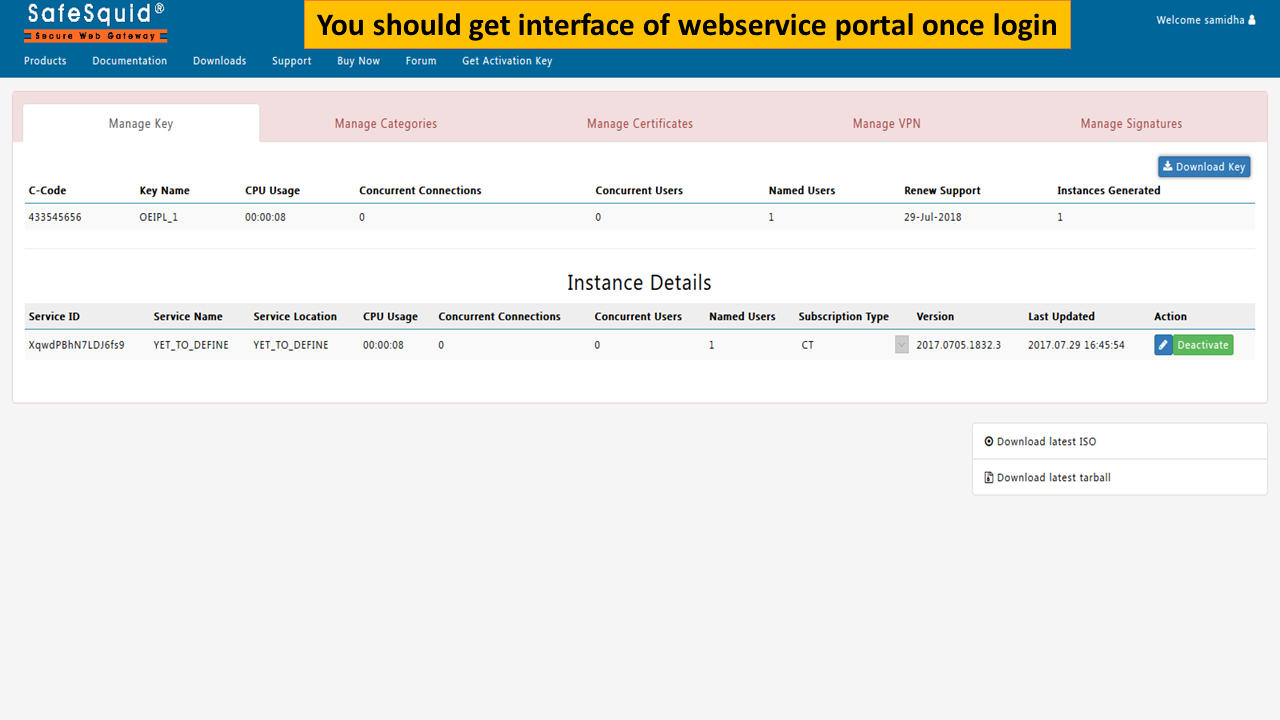
The Self-Service Portal provides a unified cloud-based interface to manage activation keys, apply custom web categorization, configure VPN clients for roaming users, and enforce organization-wide SSL and DLP policies. It ensures centralized governance and simplifies configuration across distributed SafeSquid installations, helping administrators maintain consistency and control with minimal overhead.
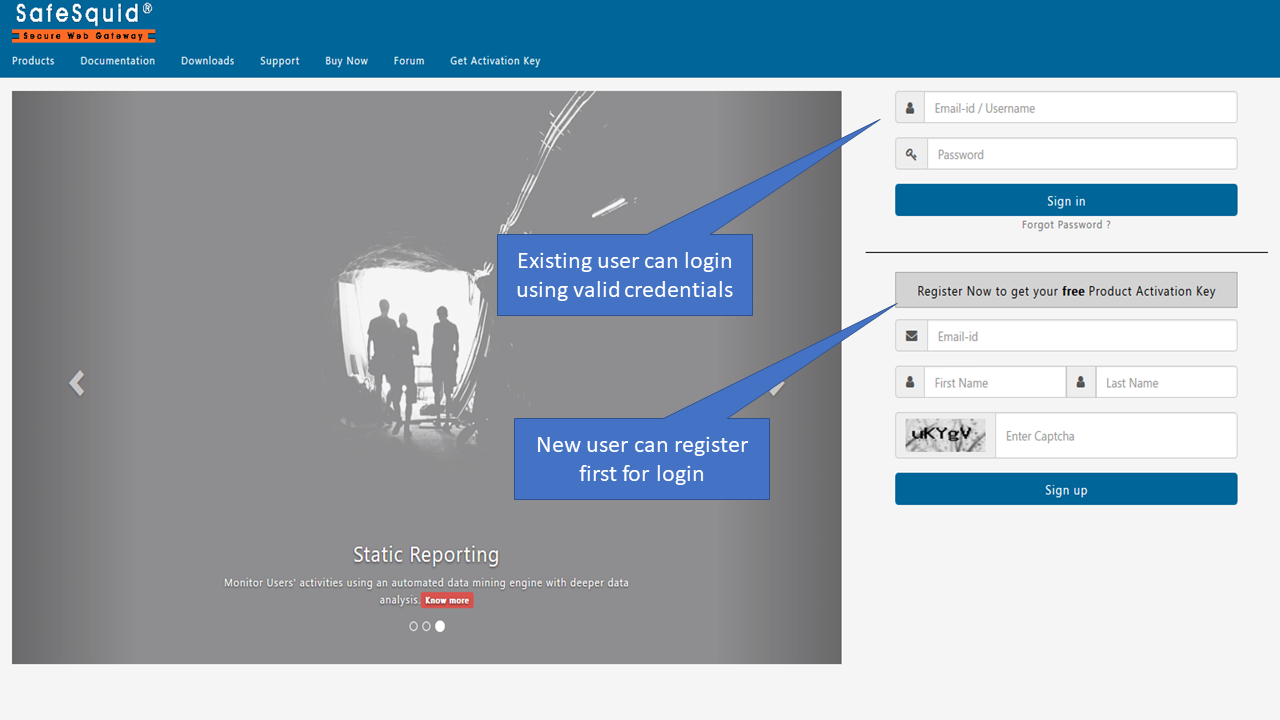
Access your self-service portal with your registered credentials to manage SafeSquid's cloud-backed features, like Custom Web Categorization, VPN support, Configuration Backup, Subscription management, and SSL certificate generation.
Prerequisites
To access the self-service portal, you must have already registered on SafeSquid's official website - https://www.safesquid.com
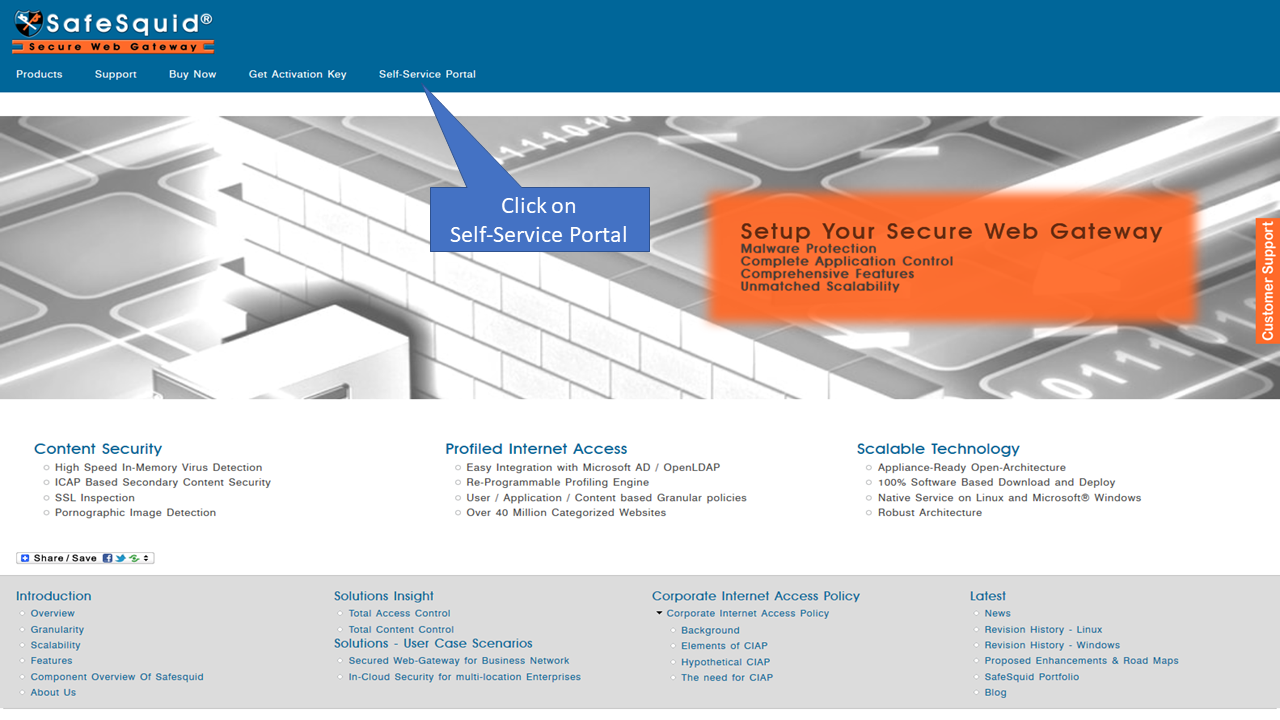
Access the SafeSquid website at https://www.safesquid.com
Go to Self-Service Portal
Login with your credentials